Warehouses
Fulfillment providers
Add every location where you store and ship goods.
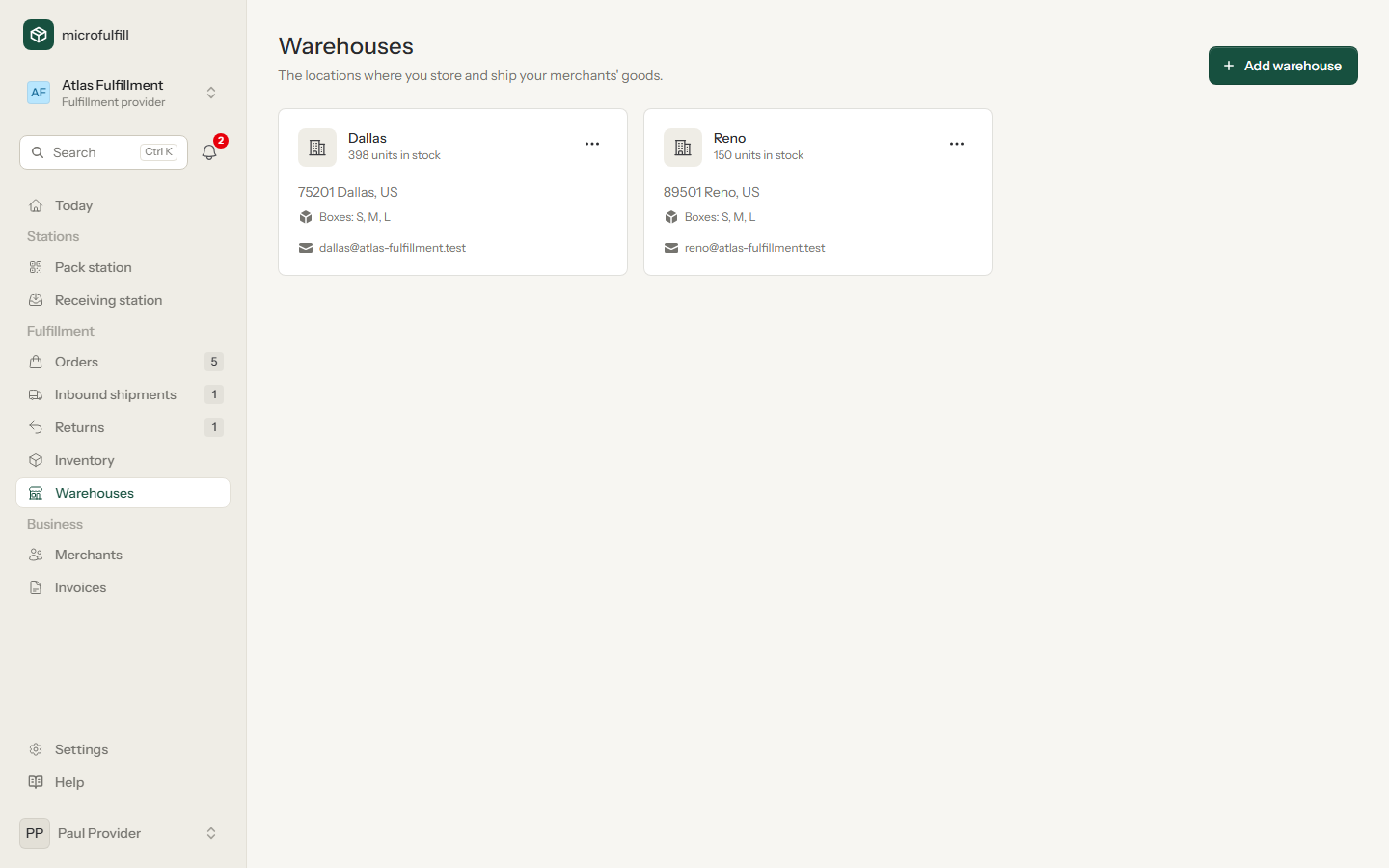
- Click Add warehouse.
- Enter name and address.
- Enter a notification e-mail: it receives an e-mail for every new order that is ready to ship.
Warehouses without stock can be archived.
Merchants
You see the warehouses of all providers you have an active partnership with. These are the warehouses you can send inbound shipments and orders to.
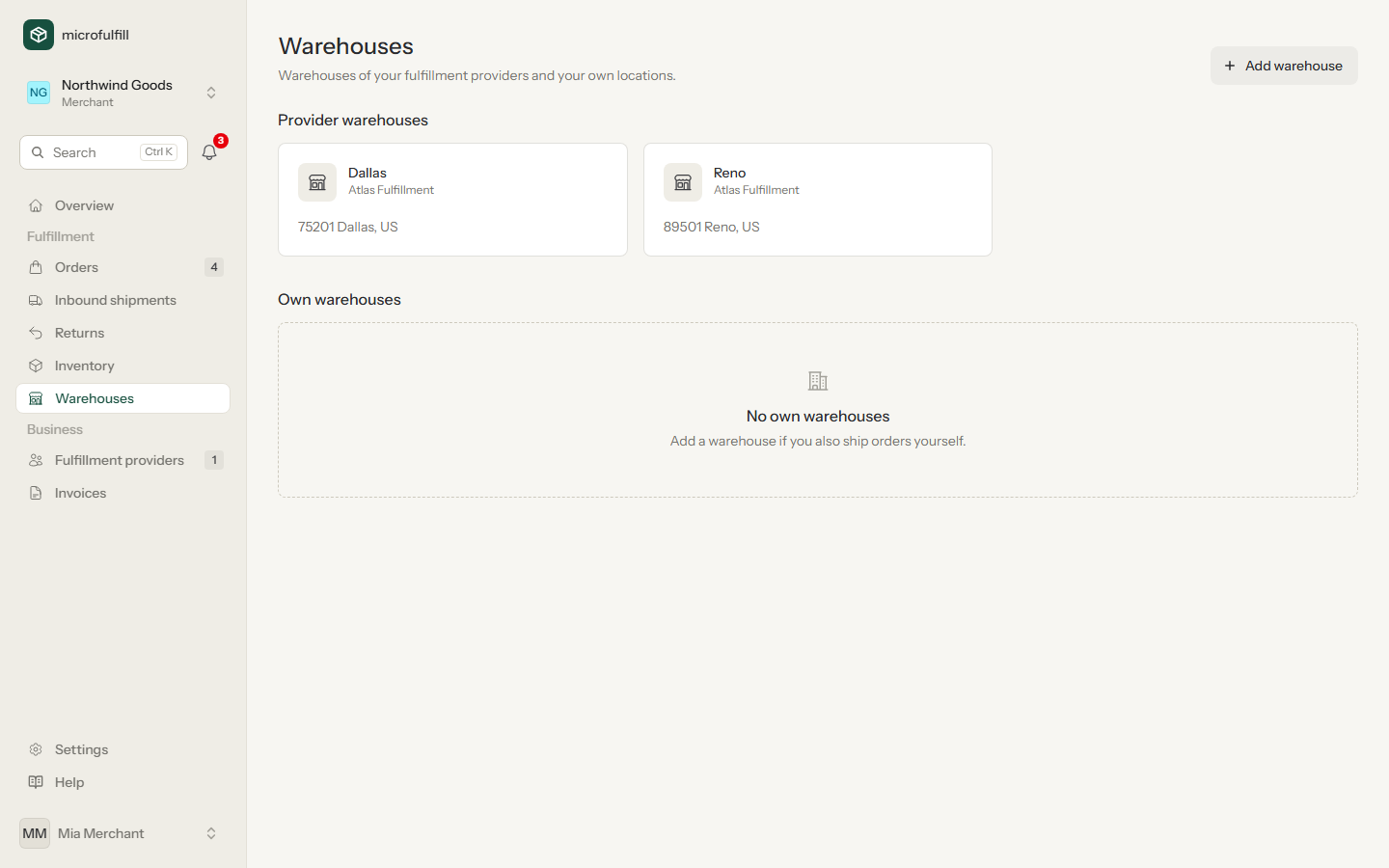
If you also ship orders yourself, add your own location as a warehouse.
Every warehouse needs a phone number: carriers require one on each shipping label. It is also sent when an order has no phone number of the recipient.
Shipping boxes (providers)
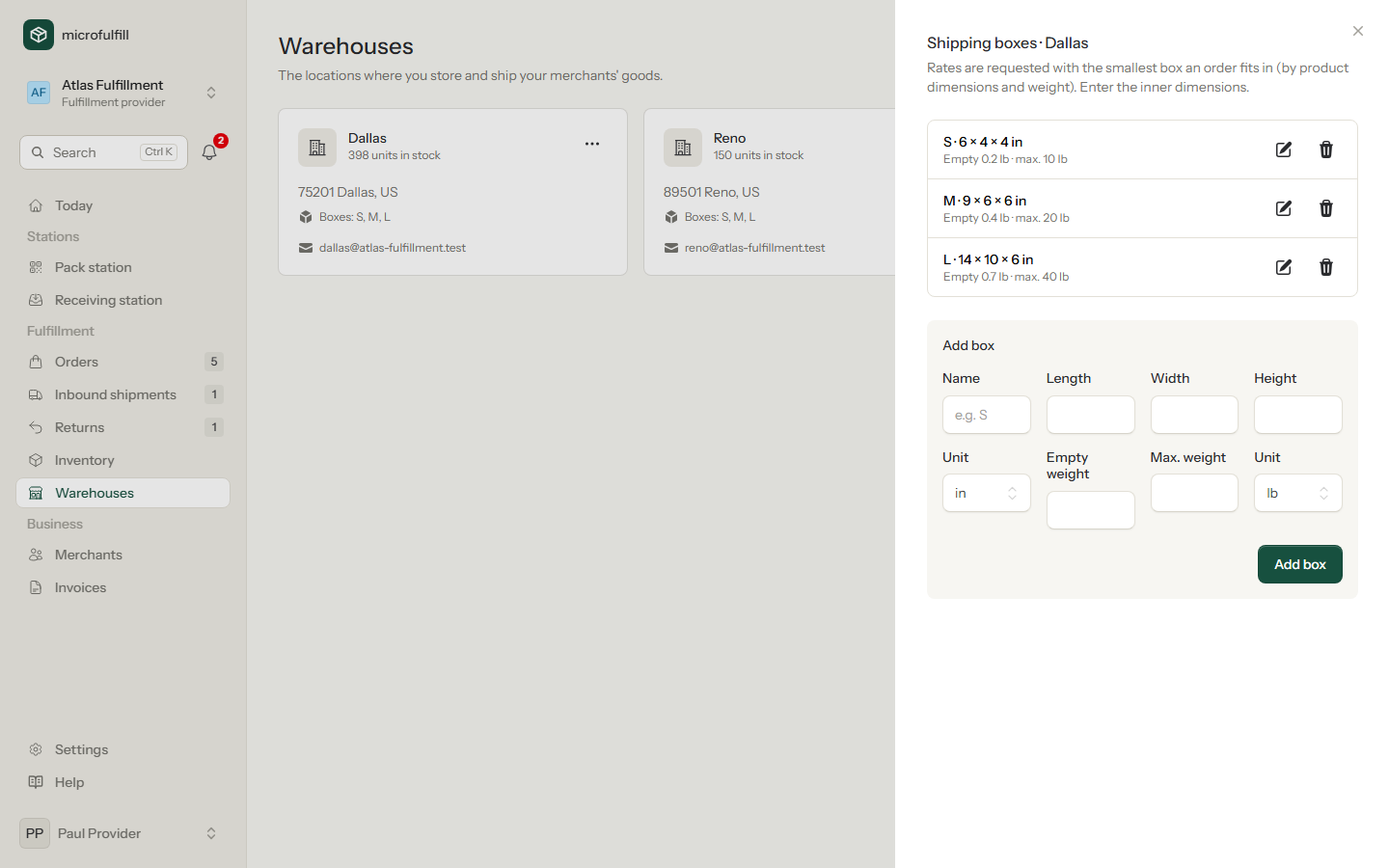
Open ⋯ → Shipping boxes on a warehouse and add the boxes you pack in, with inner dimensions, empty weight and optionally the maximum weight. When rates are requested, microfulfill picks the smallest box the order fits in: every product must fit in some orientation, all products may fill at most 85 % of the box, and the maximum weight is respected. The weight sent to the carrier includes the empty box. Without boxes, the default box of the carrier account is used.