Settings
Open Settings at the bottom of the sidebar. Settings of the organization can only be changed by owners and administrators.
Organization
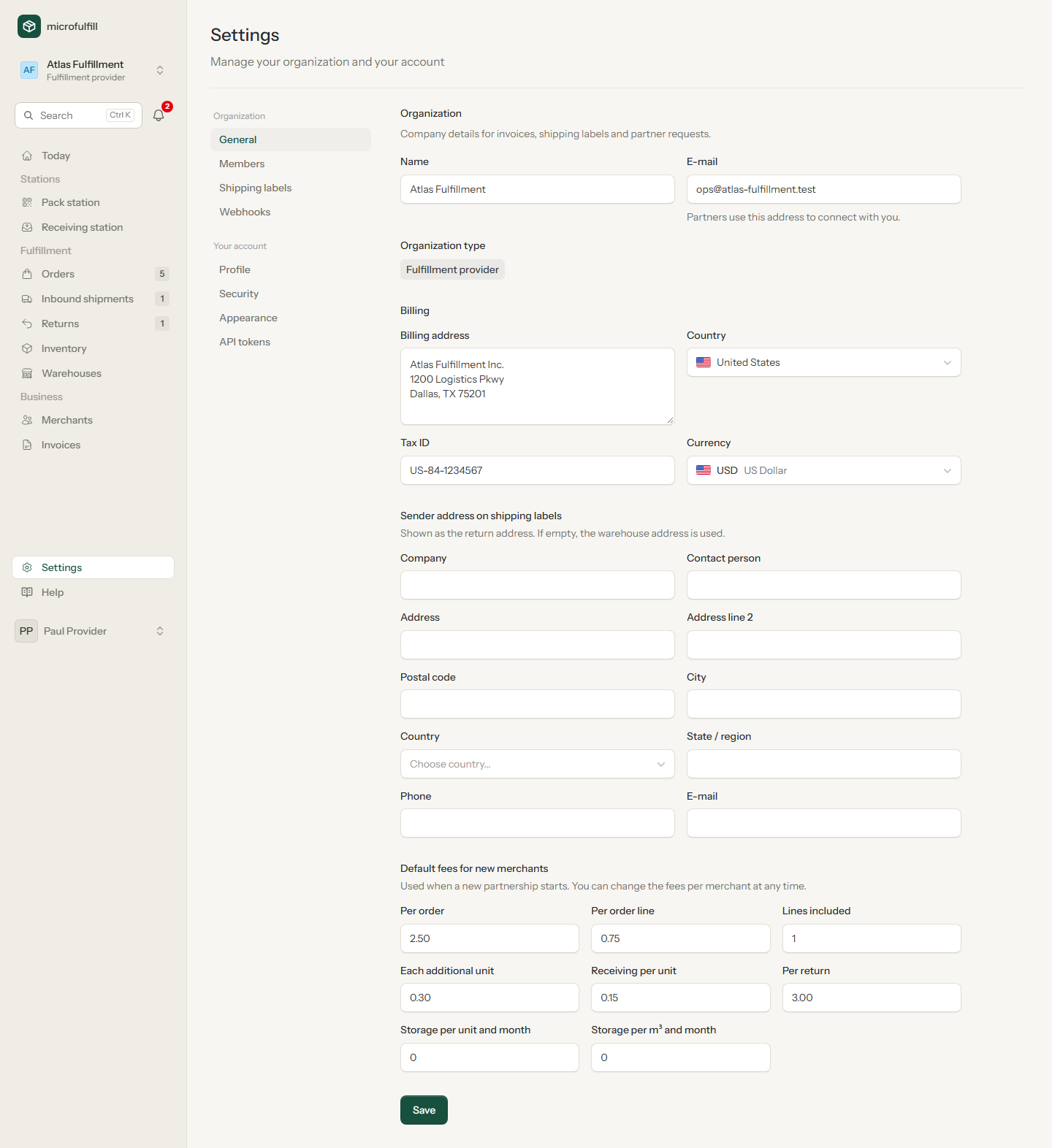
- Name and e-mail: partners use the e-mail address to connect with you.
- Billing: address, country, tax ID and currency for invoices.
- Sender address on shipping labels: the return address on your labels. If empty, the warehouse address is used.
- Default fees for new merchants (providers only): the fee schedule new partnerships start with. See Partners.
Members
Invite colleagues by e-mail and choose a role:
| Role | Can |
|---|---|
| Owner | Everything, cannot be removed |
| Administrator | Manage settings, members, carrier accounts |
| Member | Work with orders, shipments, inventory and invoices |
The invited person signs in or registers with the invited e-mail address and accepts the invitation from the e-mail.
Shipping labels
Connect the account you buy shipping labels with. Currently Easyship is supported.
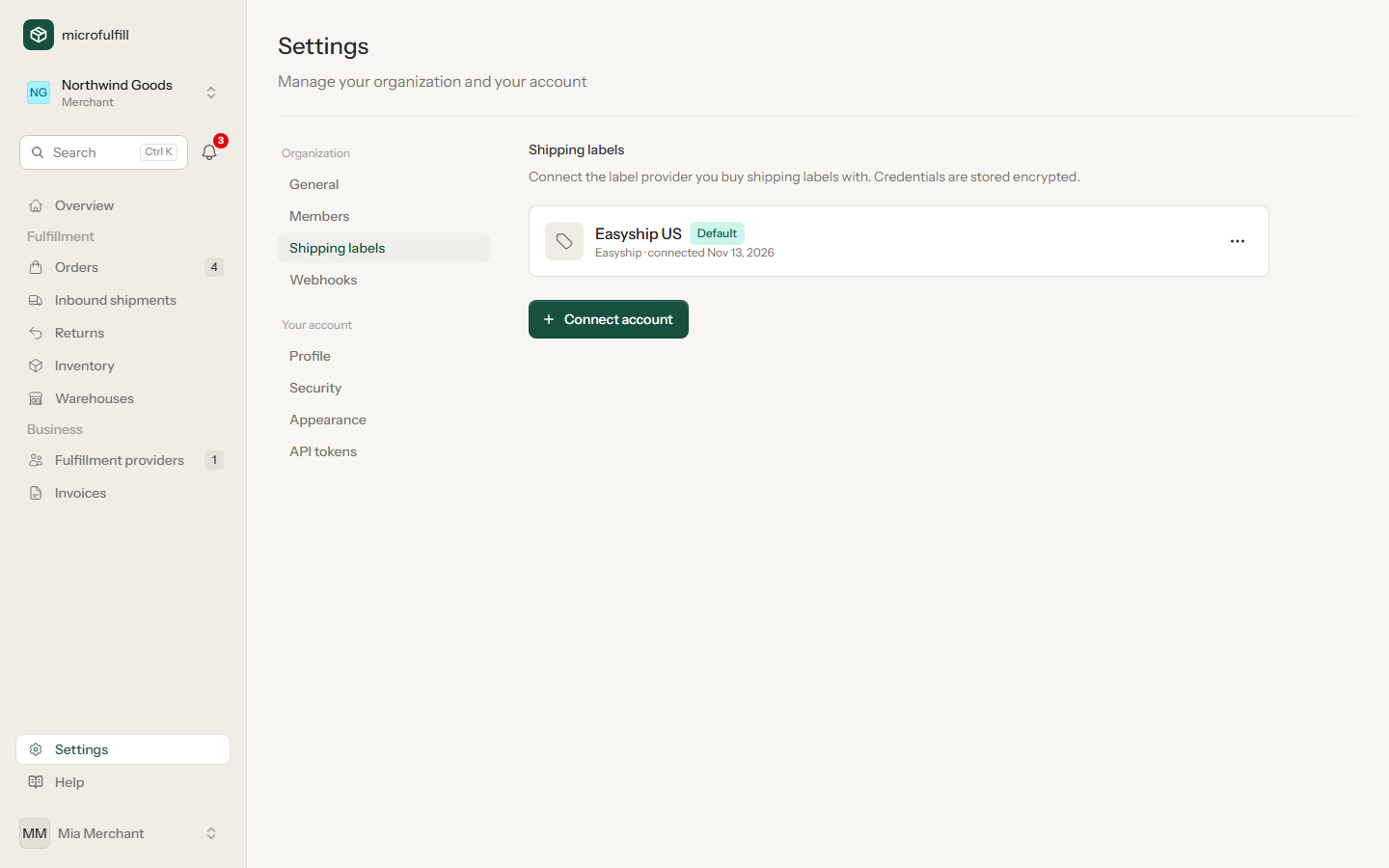
- Click Connect account, choose the provider and enter a name and the API access token.
- The first account becomes the default. With several accounts, choose the default with Make default.
Access tokens are stored encrypted and are never shown again.
Webhooks
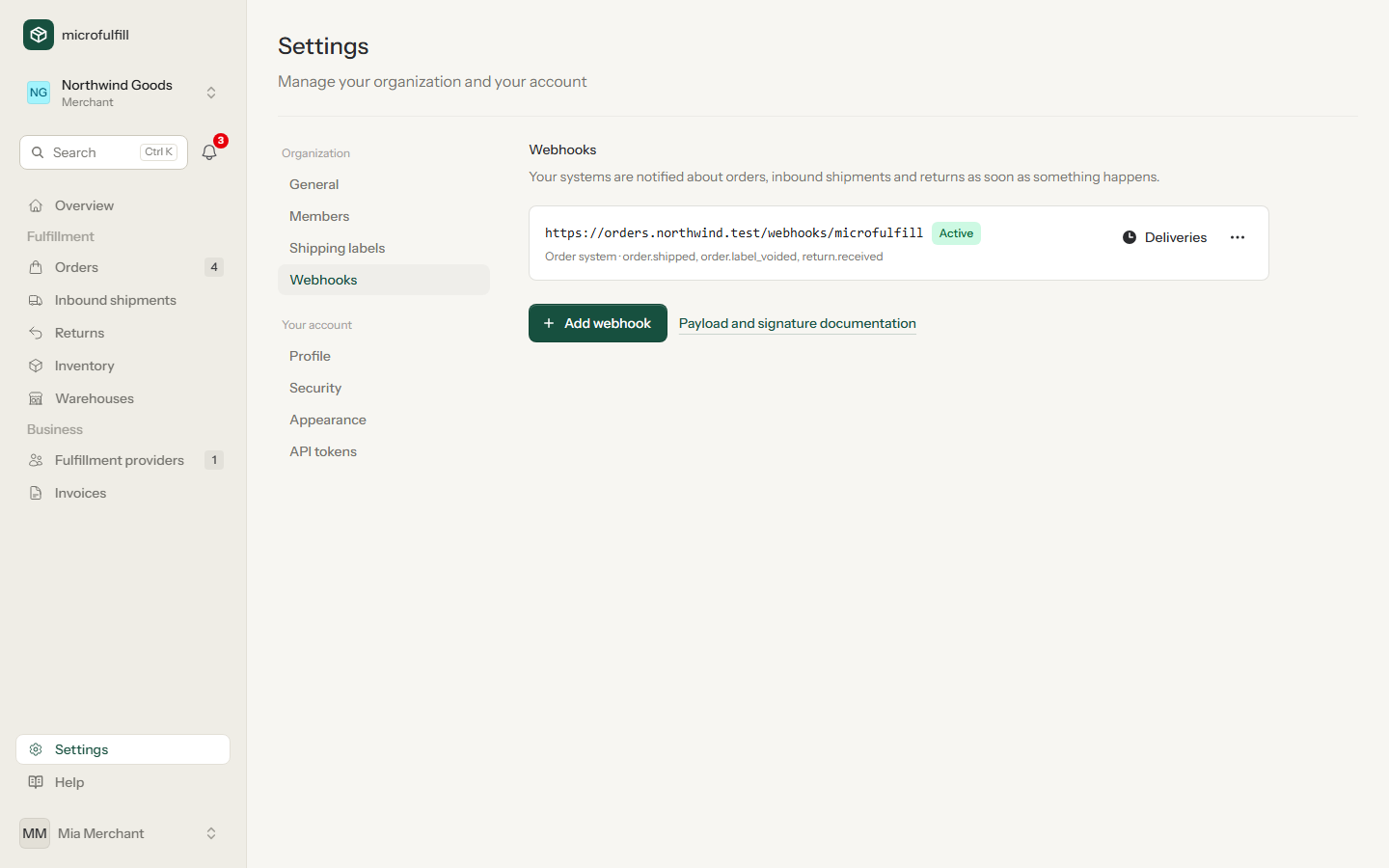
Let your shop or order system know immediately when orders are shipped, labels cancelled or returns received. See API → Webhooks for events, payload and signature.
API tokens
Create tokens for your shop or order system. See API.
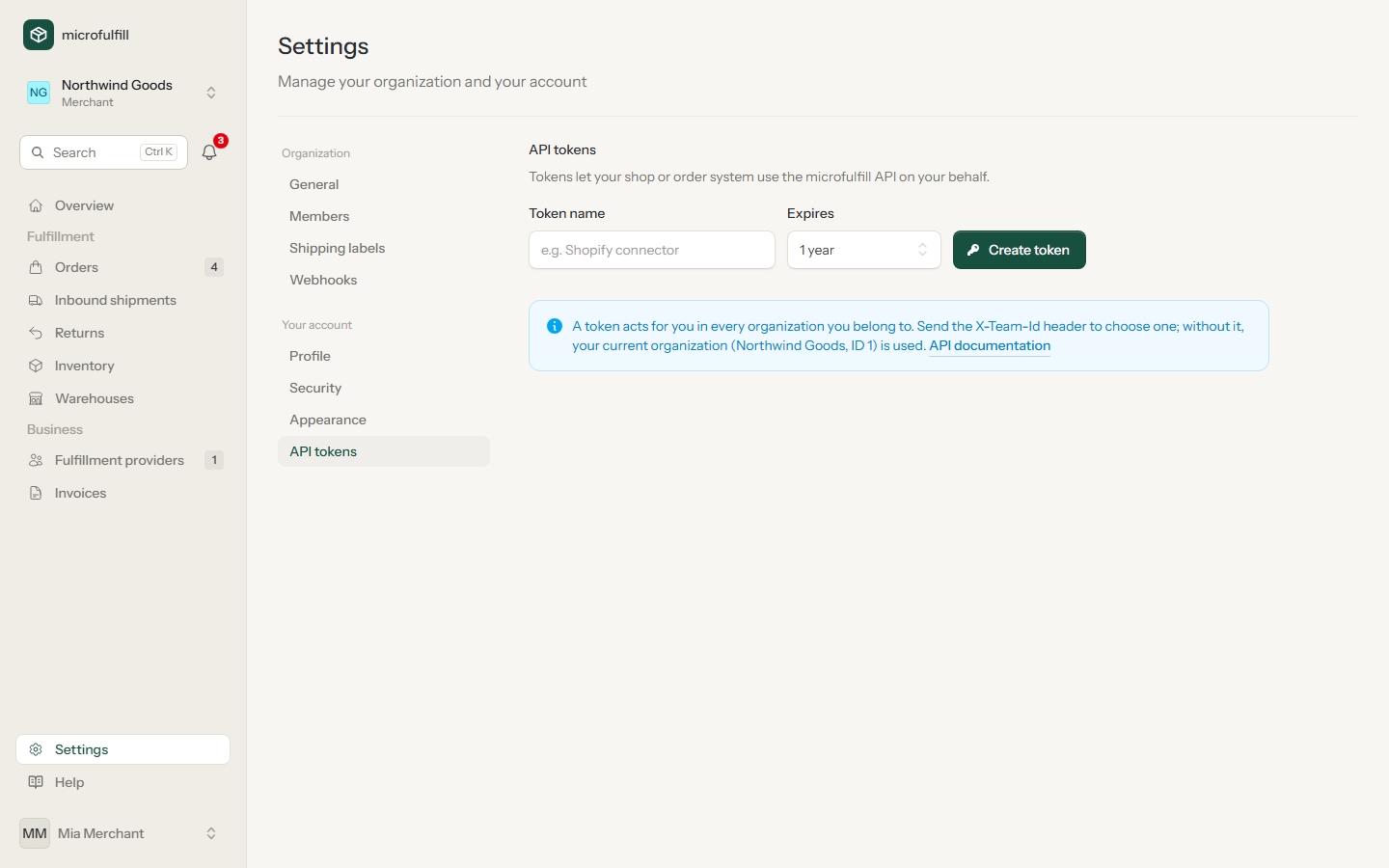
A token is shown only once after it was created. Delete tokens you no longer use.
Profile and language
Under Profile you change your name, e-mail address and the language of the interface (English or German). Appearance switches between light and dark mode.